
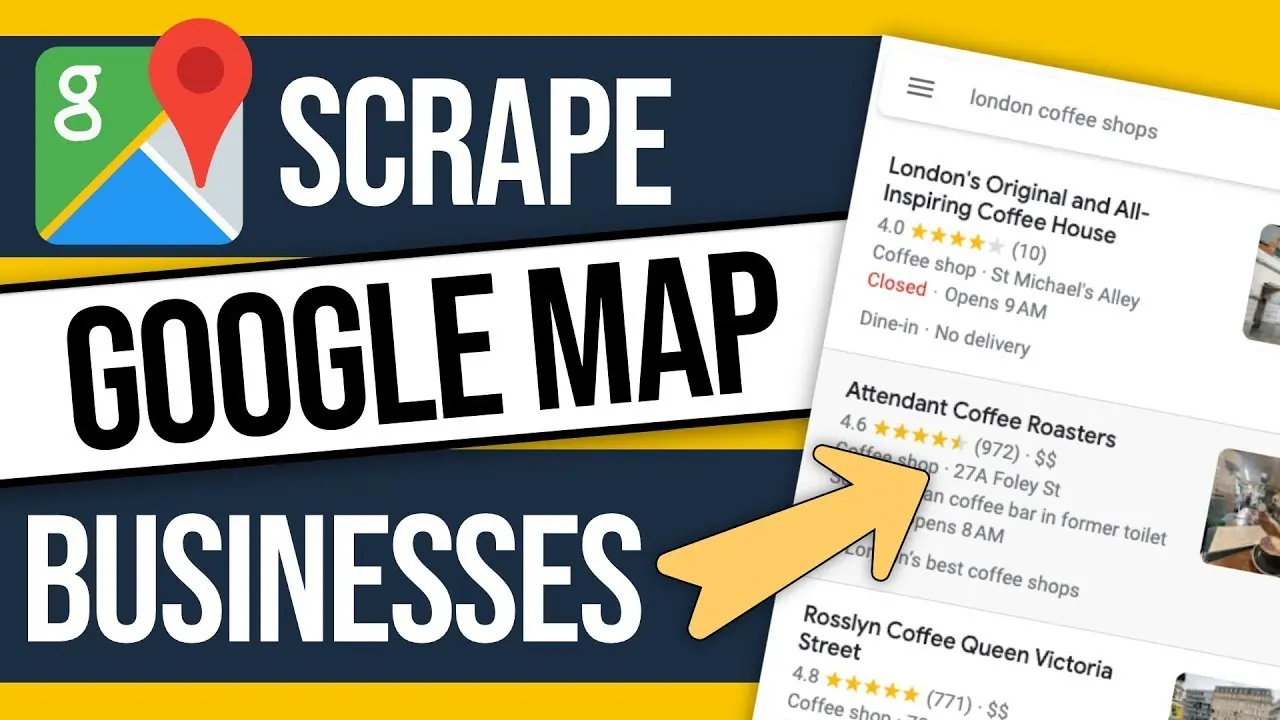
Decoding Google Maps for Business using a Google Map Data Scraper
Decoding Google Maps for Business: Unlocking Insights with a Google Map Data Scraper
Google Maps is more than just a navigation tool; it’s a vast repository of information about businesses worldwide. From store hours and customer reviews to pricing and accessibility, this digital landscape holds invaluable data for businesses of all sizes. But how can you effectively harness this wealth of information? Enter the Google Map Data Scraper.
In this detailed blog post, we’ll embark on a journey to decode the power of Google Maps for your business, specifically by leveraging the capabilities of a Google Map Data Scraper. We’ll explore what
this tool is, why
you need it, and how
you can use it to gain a competitive edge.
—
The Silent Giant: Why Google Maps Data Matters
Imagine trying to understand your local market without knowing who your competitors are, what they offer, or what customers are saying about them. This is precisely the challenge businesses face when ignoring the data embedded within Google Maps.
Google Maps provides:
Geographic Location & Reach:Understanding where your potential customers are and the areas you can serve.
Business Listings:Comprehensive details about businesses, including names, addresses, phone numbers, websites, and operating hours.
Customer Reviews & Ratings:Direct feedback from consumers, offering insights into product quality, service experience, and customer satisfaction.
Pricing & Services:Information on the cost of goods and services, helping you benchmark your own offerings.
Photos & Visuals:A glimpse into the physical appearance of businesses, giving potential customers a visual preview.
Accessibility Information:Details on wheelchair access, parking, and other amenities.
The Problem?Manually collecting this data from thousands or even hundreds of businesses is a monumental, time-consuming, and frankly, impractical task. This is where automation and intelligent data extraction become indispensable.
—
Enter the Data Scraper: Your Key to Unlocking Google Maps’ Potential
A Google Map Data Scraperis a software tool designed to automatically extract specific information from Google Maps listings. Instead of you manually clicking through each business profile, a scraper can systematically browse and collect the data you need, presenting it in a structured and usable format, often a spreadsheet or database.
Think of it as a highly efficient digital assistant that can:
Automate Data Collection:Eliminates the need for manual entry, saving countless hours.
Gather Large Volumes of Data:Can process thousands of business listings in a fraction of the time it would take a human.
Target Specific Information:Allows you to define exactly what data points you want to extract (e.g., business name, rating, number of reviews, website URL).
Organize and Structure Data:Presents the collected information in a clean, organized format for analysis.
—
Why Use a Google Map Data Scraper for Your Business?
The applications of extracted Google Maps data are vast and can significantly impact your business strategy. Here are some key use cases:
1. Competitive Analysis: Knowing Your Rivals Inside Out
Identify Competitors:Discover all businesses operating in your geographical area, even those you might not be aware of.
Analyze Offerings:Understand their product/service portfolios, pricing strategies, and unique selling propositions.
Benchmark Performance:Compare your customer ratings and review sentiment against competitors to identify areas for improvement.
Track Competitor Growth:Monitor changes in their listings, such as new services or updated operating hours.
2. Lead Generation: Finding Your Next Customers
Identify Target Audiences:Scrape businesses that fit specific criteria (e.g., restaurants in a particular cuisine category, pet stores within a 5-mile radius).
Build Targeted Marketing Lists:Create lists of potential clients for direct outreach, email campaigns, or personalized advertising.
Understand Customer Needs:Analyze review data to identify unmet needs or pain points that your business can address.
3. Market Research & Expansion: Making Informed Decisions
Assess Market Saturation:Understand the density of businesses in a particular sector and location to identify potential opportunities or challenges.
Identify Underserved Areas:Discover locations with a high demand but a low supply of specific services.
Inform Expansion Strategies:Use data-driven insights to decide where to open new branches or expand your service area.
4. Reputation Management: Listening to Your Customers (and Others)
Monitor Online Reviews:Track what customers are saying about your business and competitors in real-time.
Identify Trends in Feedback:Spot recurring praise or complaints to inform product development and customer service improvements.
Respond Effectively:Use collected data to understand the context of reviews and craft more informed responses.
5. SEO & Local Search Optimization: Boosting Your Visibility
Analyze Competitor SEO Strategies:Understand the keywords and phrases competitors are using in their descriptions.
Identify Information Gaps:Discover missing or inaccurate information in your own Google Maps listing that might be hindering your search ranking.
Optimize Your Listing:Ensure your business information is accurate, complete, and appealing to both customers and search engines.
—
How to Use a Google Map Data Scraper: A Step-by-Step Guide
While the specifics of using a scraper can vary depending on the tool, the general process remains consistent:
Step 1: Define Your Objectives & Scope
Before you start scraping, clearly define what information you need and why.
What specific data points are crucial?(e.g., Business Name, Address, Phone Number, Website, Rating, Number of Reviews, Opening Hours, Category, Price Level)
What geographical area are you interested in?(e.g., a specific city, a radius around a point, a list of zip codes)
What types of businesses are you targeting?(e.g., “restaurants,” “plumbers,” “boutiques”)
Step 2: Choose Your Scraper Tool
There are various types of Google Maps data scrapers available:
Web Scraping Libraries (for developers):Python libraries like `BeautifulSoup` and `Scrapy` offer immense flexibility but require programming knowledge. You’ll likely need to combine these with tools to handle dynamic content loading from Google Maps.
Dedicated Google Maps Scrapers (SaaS platforms):Numerous online services offer user-friendly interfaces for scraping Google Maps. These are often subscription-based and require no coding. Examples include Bright Data, Octoparse, Scrapingbee (with their Google Maps integration), and others.
Browser Extensions:Some Chrome extensions can perform basic scraping of visible data on a page. These are generally less powerful and scalable for large-scale data collection.
Considerations when choosing a tool:
Ease of Use:Is it intuitive for your technical skill level?
Features:Does it offer the specific data points you need? Can it handle dynamic content?
Scalability:Can it handle the volume of data you need to extract?
Pricing:Does it fit your budget?
Reliability & Support:Is the tool well-maintained and supported?
Legality & Terms of Service:Crucially, always review Google’s Terms of Service regarding data scraping.While scraping publicly available information is generally accepted, aggressive or excessive scraping can lead to IP bans or other issues. Reputable scraping tools often have mechanisms to mitigate these risks.
Step 3: Configure Your Scraper
Once you’ve chosen a tool, you’ll typically need to configure it:
Input Search Queries:Enter keywords and locations just as you would when searching on Google Maps.
Select Data Fields:Choose which columns of information you want the scraper to extract.
Set Extraction Limits:Define how many results or pages you want to scrape.
Schedule Scrapes (if available):Some tools allow you to schedule regular data updates.
Step 4: Run the Scraper
Initiate the scraping process. The tool will then navigate Google Maps, find the relevant business listings, and extract your specified data.
Step 5: Review and Analyze the Data
Once the scraping is complete, you’ll receive the data in a downloadable format (e.g., CSV, Excel, JSON).
Clean and Preprocess:You might need to perform some data cleaning (e.g., removing duplicates, standardizing formats).
Visualize:Use charts and graphs to understand trends and patterns.
Derive Insights:Translate the data into actionable strategies for your business.
—
Best Practices and Ethical Considerations
While powerful, using a Google Map Data Scraper comes with responsibilities:
Respect Google’s Terms of Service:Familiarize yourself with what is and isn’t permitted. Avoid excessive requests that could overload their servers.
Be Transparent (where applicable):If you’re using the data for marketing, ensure your practices comply with privacy regulations like GDPR.
Focus on Publicly Available Data:Avoid attempting to scrape any private or restricted information.
Don’t Misuse Data:Use the collected information ethically and responsibly for legitimate business purposes.
Consider Proxy Servers and User Agents:To avoid IP bans, advanced scrapers often use rotating proxies and change user agent strings to mimic legitimate browser traffic.
—
The Future of Business Intelligence is Data-Driven
In today’s competitive landscape, understanding your market and customers is paramount. Google Maps, with its rich repository of business information, is an untapped goldmine. By leveraging a Google Map Data Scraper, you can move beyond anecdotal evidence and make data-informed decisions that drive growth, optimize your marketing efforts, and solidify your position in the market.
Don’t let this valuable data remain hidden. Start decoding Google Maps for your business today and unlock a new level of intelligence and success.
—
What are your thoughts on using Google Map Data Scrapers? Share your experiences or questions in the comments below!